IPMI remote management: power on and reinstall without a site visit.
Through BMC/IPMI out-of-band management you can power servers on and off, set boot devices, mount an ISO and open a console from the browser, even when the machine is down or has no OS yet.
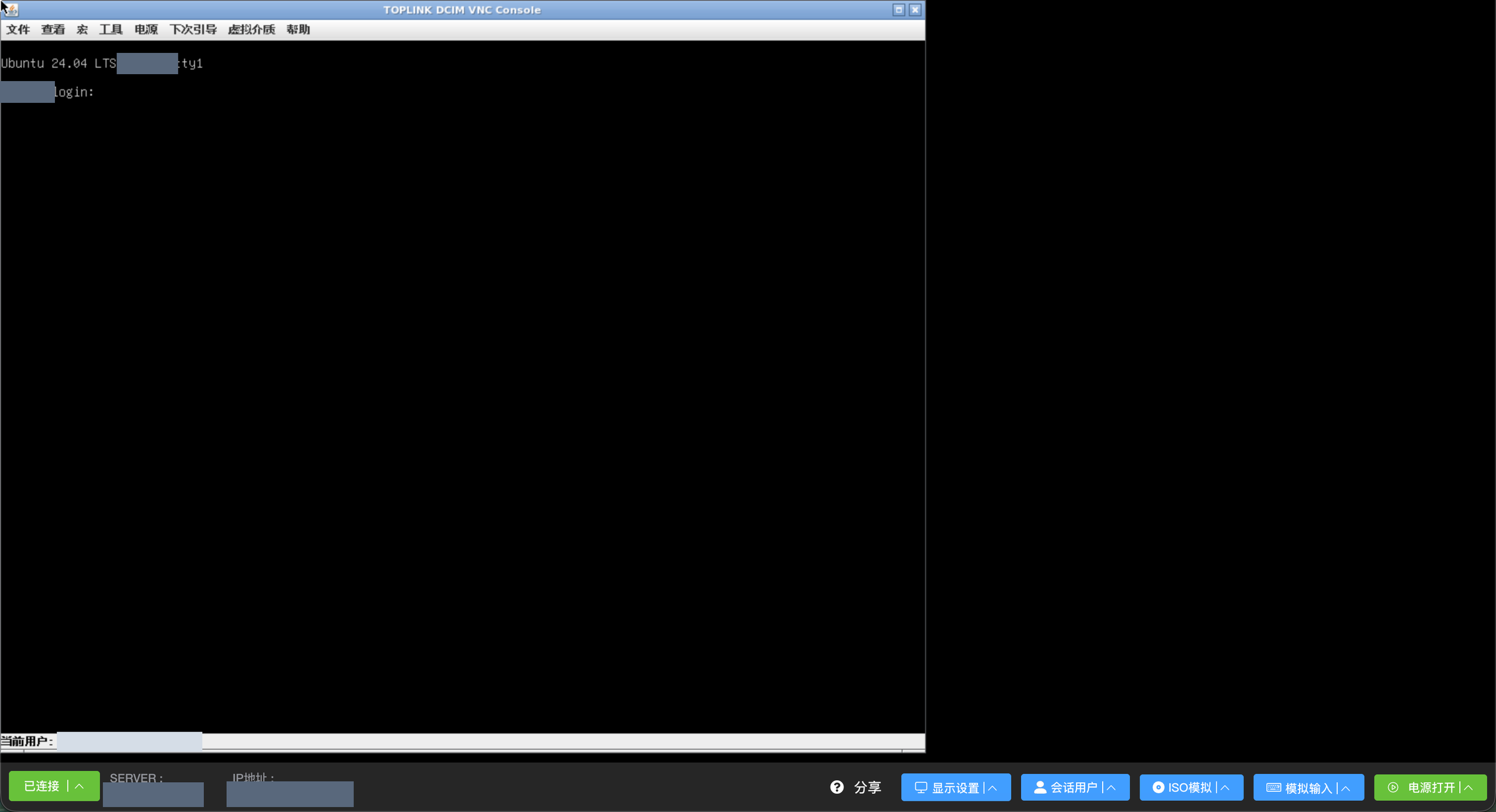
VNC remote console · Actual product interface · sensitive data redacted
Key capabilities
- 01
Remote power control
Power on, shut down or reboot in one click, and choose whether the next boot uses PXE, a network ISO or the local disk.
- 02
Browser console
VNC graphical console, SSH shell and RDP desktop all open in the browser. No client to install.
- 03
Virtual media and rescue
Mount installation images remotely to install an OS, or boot a rescue system when the server will not start.
- 04
Sharing and recording
Share read-only or full-control links, and replay every recorded session at any speed.
What is IPMI out-of-band management
IPMI (Intelligent Platform Management Interface) is the standard for out-of-band server management. The motherboard carries a BMC chip with its own power and network connection, so it keeps running even when the host is powered off or the operating system has crashed. Through it you can control power, read hardware sensors and see what is on the screen.
Every vendor names its BMC differently: Dell calls it iDRAC, HPE calls it iLO, Huawei calls it iBMC and Lenovo calls it XClarity. Toplink DCIM hides those differences. Once a server’s BMC address and credentials are recorded, engineers no longer need to remember each machine’s management IP or install a vendor’s Java client.
What you can do in DCIM
- Power control: power on, shut down and reboot, with forced power-off on supported models;
- Boot device: boot from PXE, a network ISO or the local disk next time, ready for a reinstall;
- Remote console: VNC runs over the BMC channel, so you see POST, BIOS and the whole installation; SSH and RDP run through the operating system;
- Virtual media: mount installation images remotely instead of inserting discs or USB sticks on site;
- Virtual keyboard: send special keys such as Ctrl+Alt+Del and paste clipboard text;
- BMC reset: reset an unresponsive BMC remotely.
Supported servers
Servers are managed through the standard IPMI protocol, whatever the brand. The remote console is tuned for the major BMCs and can detect the model automatically:
| Vendor | BMC |
|---|---|
| Dell | iDRAC 6 / 7 / 8 / 9 |
| HPE | iLO 2 / 4 / 5 |
| Huawei | iBMC, iBMC 6, iMana |
| Supermicro | Generic, OEM, HTML5 iKVM |
| Lenovo | ThinkSystem XClarity |
| Inspur, H3C, Cisco | Inspur OEM, H3C HDM, Cisco IMC |
| White-box and smaller vendors | Generic AMI MegaRAC |
Security and audit
- Console sessions can be shared by link, with read-only or full-control permission and an optional usage limit;
- Every session is recorded and can be replayed at any speed or scrubbed; SSH and Telnet sessions also keep a command-level log;
- Administrators can see who is connected to a device and disconnect extra sessions;
- Customers must enter a one-time password (OTP) before risky actions such as reinstalling or entering rescue mode in the customer portal.
Typical scenarios
- “My server is unreachable”: open the console first to see whether it is stuck at boot, then decide whether to reboot or enter rescue mode;
- Bulk provisioning: set a batch of servers to boot from PXE and let the task queue reinstall them, with progress visible in the admin panel;
- Night-time incidents: on-call engineers can fix issues from home instead of driving to the data center.
IPMI remote management
Does IPMI remote management need an agent on the server?
No. IPMI runs on the BMC chip on the motherboard and is independent of the operating system, so it works even when the server is off or has no OS. You only enter the BMC address, username and password in DCIM.
Do I need Java or a desktop client for the console?
No. The console opens in the browser, and VNC, SSH and RDP need no extra software.
Should BMC ports be exposed to the internet?
We recommend against it. Put BMCs on a separate management network and let the DCIM node deployed in each data center connect to them locally. Engineers only need access to DCIM itself.
See how it works in your data center.
Start with a product demo and map out your next step.
Hotline 400-112-2951